If you’re a Wave Community Bank member and haven’t downloaded the Mobile Banking App yet, you might be surprised at just how much you can do with it.
It’s not just for checking your balance. The app gives you secure, simple access to your accounts — whenever it suits you.
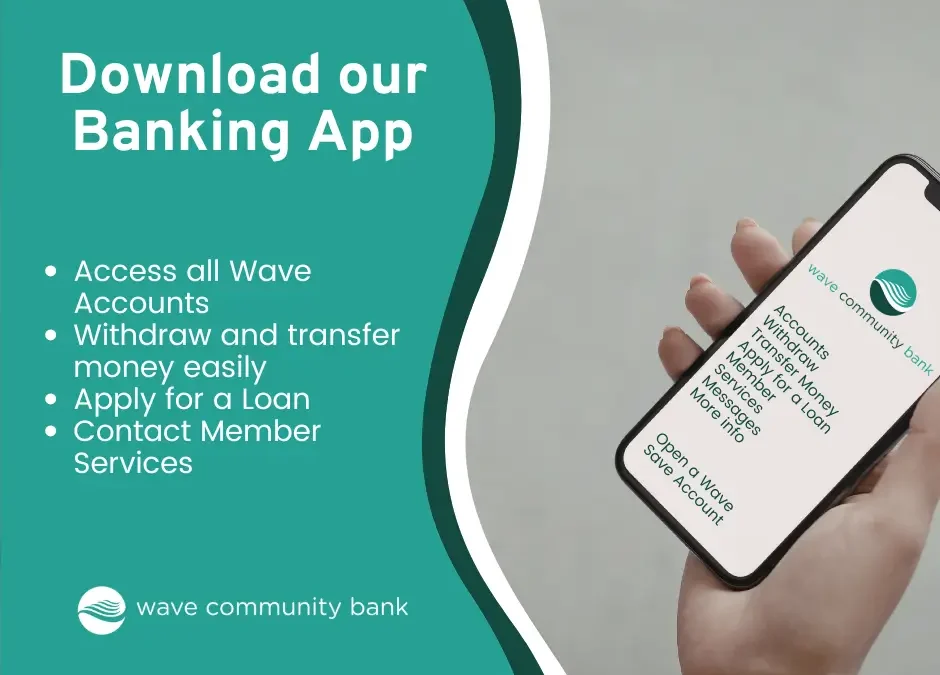
Here’s what you can do with the Mobile Banking App:
-
Check your account balances anytime
-
Transfer money between your Wave accounts
-
Make withdrawals
-
Apply for a loan
-
Open a Wave Save account
-
Update your personal details
-
Manage your bank details
-
Contact Member Services directly
-
Receive important notifications about your account
It’s designed to make everyday banking easier, without needing to call or wait.
Keep Track of Your Savings
You can also open your Wave Save Account on the Mobile Banking App and create up to 10 saving goals so you can easily keep track of your savings and if you need to ever need to, transfer in between your accounts with ease.
Secure and Straightforward
We know security matters. The Mobile Banking App is built with secure access so you can manage your account with confidence with Face ID Login.
Ready to Download?
The Wave Community Bank Mobile Banking App is available on:
Just search for Wave Community Bank, download the app and register using your membership details.
You can also find more information and guidance here.
If you haven’t downloaded it yet, it’s worth taking a few minutes to do so. It puts your Wave account in your pocket — ready when you are.
